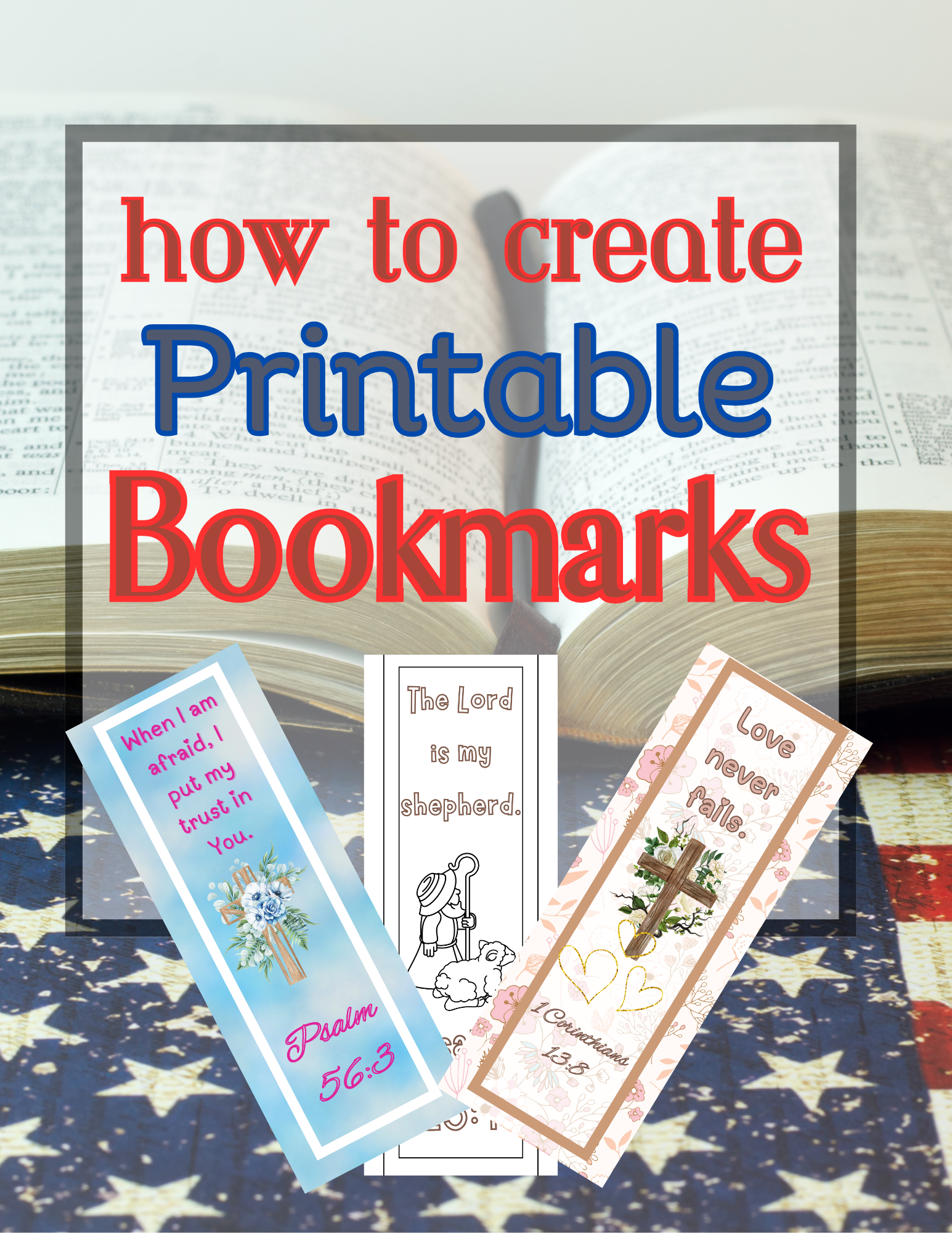
Want to add quick, profitable products to your digital store? Try printable bookmarks!
They’re fun to design, super easy to bundle, and customers love them as gifts, Bible study accessories, or even coloring pages.
Whether you’re a beginner or a seasoned seller, this guide will walk you through how to design printable bookmarks that actually sell.
- Your debt has a finish line. Do you know when it is?
- POD Unlocked: What’s inside (and why you’ll love it)
- A FREE hybrid event just for membership owners 👀
- You're Invited to Help Build Something New…Plus Lots of Goodies to Explore
- Amazing Products Packs and Freebies OMG
- A Weekly Dose of Events, Products, and PLR – Open to Save $$
- Last Chance to Grab the PLR Take Off Bundle
- This one’s free — and it’s good
- ⏰ Last Call! Transform Your Life Today!
- The free collection my favorite people are grabbing this week 👀
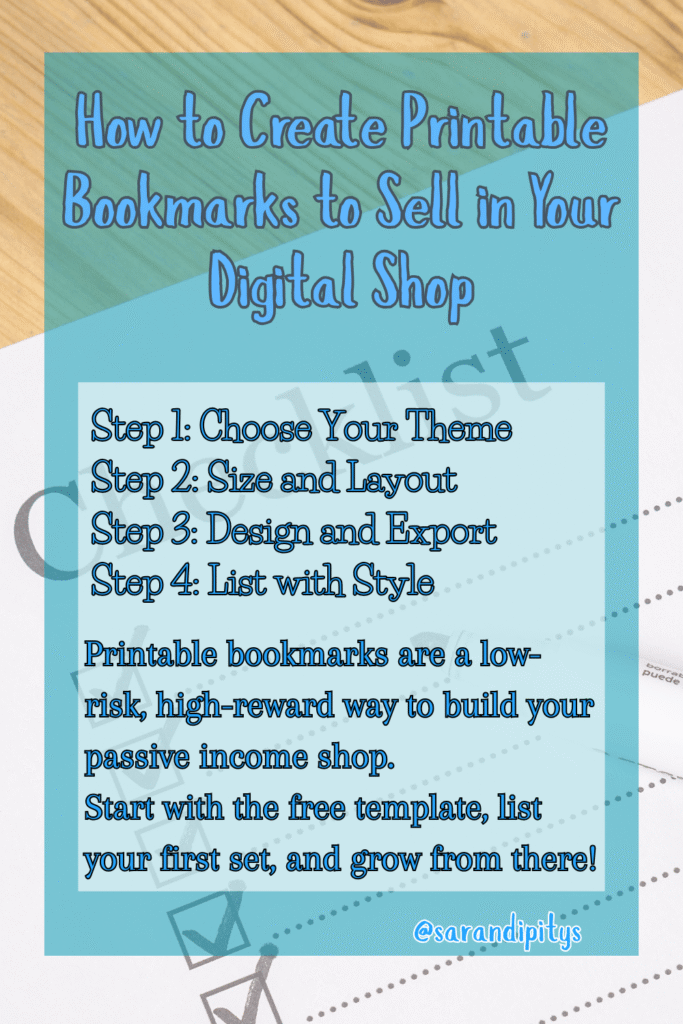
✂️ Step 1: Choose Your Theme
Start with an audience-specific idea — faith-based quotes, kids’ coloring bookmarks, seasonal affirmations, or motivational sayings.
💡Tip: The more specific the niche, the easier it is to stand out.
🖼️ Step 2: Size and Layout
Standard bookmarks are usually:
- 2″ x 6″
- 2.5″ x 7″
- 3″ x 8″
Instead of guessing or resizing every time, grab my free Bookmark Template Pack — it includes multiple sizes, trim lines, and bleed zones to help you design with confidence.
👉 [Click here to download the freebie!]
🎨 Step 3: Design & Export
Use Canva, Affinity, or Photoshop to:
- Add your quote or design
- Use high-contrast fonts
- Keep space for trim + hole punches
- Save as high-res PDFs + PNGs
🛍️ Step 4: List with Style
Once your bookmarks are done, you’ll need strong visuals. Instead of taking photos, use mockups!
🛒 Upsell Alert: Grab my Bookmark Mockup Bundle with pre-sized, drag-and-drop templates you can use in Canva or Photoshop. Showcase your bookmarks beautifully in minutes.
👉 [Shop the mockup bundle here!]
Printable bookmarks are a low-risk, high-reward way to build your passive income shop.
Start with the free template, list your first set, and grow from there!



One thought on “How to Create Printable Bookmarks to Sell in Your Digital Shop in 4 Steps”